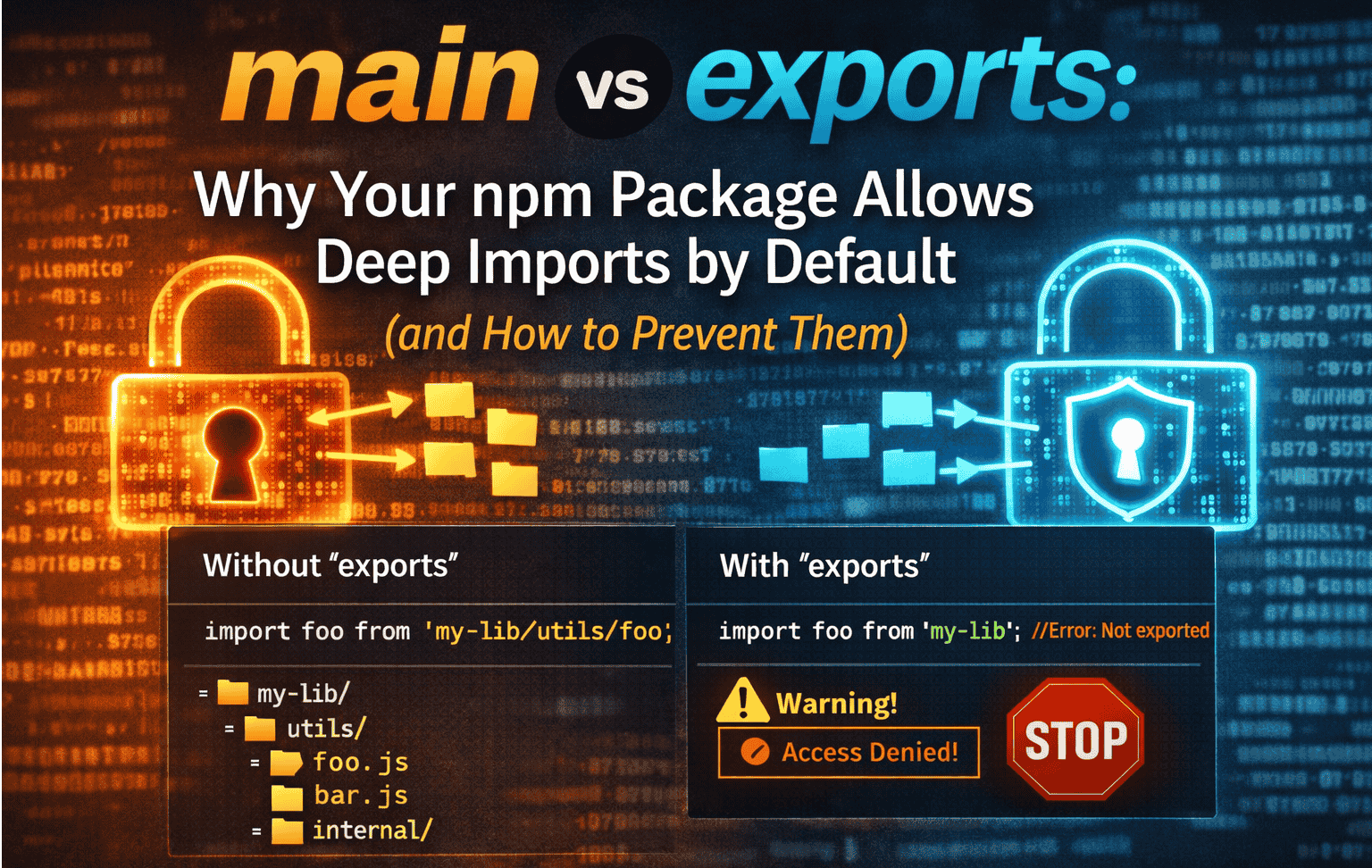
One common source of confusion when building npm libraries is this:
“If I only define
maininpackage.json, myindex.tsbecomes the public API. So how do deep imports magically start working when I import deeper paths?”
The answer lies in how Node resolves packages when exports is missing. Let’s break it down.
The key idea
If a package does not define
exports, Node falls back to filesystem-based resolution.
That fallback is exactly what allows deep imports to work.
Deep imports aren’t something you enable — they’re what happens when nothing explicitly disables them.
Case 1: Package with only main
Consider a library with this package.json:
{
  "name": "@acme/utils",
  "main": "dist/index.js"
}
What main actually does
- It defines the default entry point for the package.
- When someone writes:
import { sum } from "@acme/utils";
Node resolves it as:
@acme/utils → dist/index.js
That’s it. main says nothing about any other files in the package.
Why deep imports start working automatically
Now imagine your published package structure looks like this:
@acme/utils/
  dist/
    index.js
    math.js
    internal/
      helper.js
Because exports is missing, Node uses legacy resolution rules:
Any file inside the package root can be imported by path.
So all of the following work:
import { sum } from "@acme/utils/dist/math";
import helper from "@acme/utils/dist/internal/helper";
Why?
Because Node simply checks:
node_modules/@acme/utils/dist/math.js
If the file exists → the import succeeds.
There is no concept of public vs private API without exports.
Where index.ts fits in
When people say:
“
index.tsis my public API”
That’s true only by convention, not enforcement.
mainpoints todist/index.js- Consumers usually import the package root
- But nothing prevents them from importing deeper files
So with only main defined:
| Import | Why it works |
|---|---|
@acme/utils |
main entry point |
@acme/utils/dist/math |
filesystem lookup |
@acme/utils/dist/internal/helper |
filesystem lookup |
Deep imports work simply because Node is allowed to see everything.
Case 2: What changes when exports is added
Now update package.json:
{
  "main": "dist/index.js",
  "exports": {
    ".": "./dist/index.js"
  }
}
This single change switches Node into modern resolution mode.
What that means:
- Only paths explicitly listed in
exportsare accessible - Everything else is blocked by default
Now:
import { sum } from "@acme/utils"; // ✅ works
But:
import { sum } from "@acme/utils/dist/math"; // ❌ fails
You’ll get:
ERR_PACKAGE_PATH_NOT_EXPORTED
Adding exports acts like a firewall around your package.
Why deep imports feel “automatic”
Deep imports aren’t a feature — they’re a side effect.
They work because:
- The files exist
- Node can see them
- No rule says “you can’t import this path”
Once exports is present, Node stops guessing and starts enforcing.
The mental model that actually sticks
Without exports
📦 Package
 ├─ main → default entry
 └─ everything else → reachable by path
With exports
📦 Package
 └─ only what exports lists exists
Summary
maindefines only the default entry point of a package- Without
exports, Node allows filesystem-based deep imports - Any file under the package root can be imported by path
index.tsis public by convention, not enforcement- Deep imports work because nothing blocks them
- Adding
exportsswitches Node to explicit, whitelist-based resolution exportsis the only way to truly define and protect a public API